

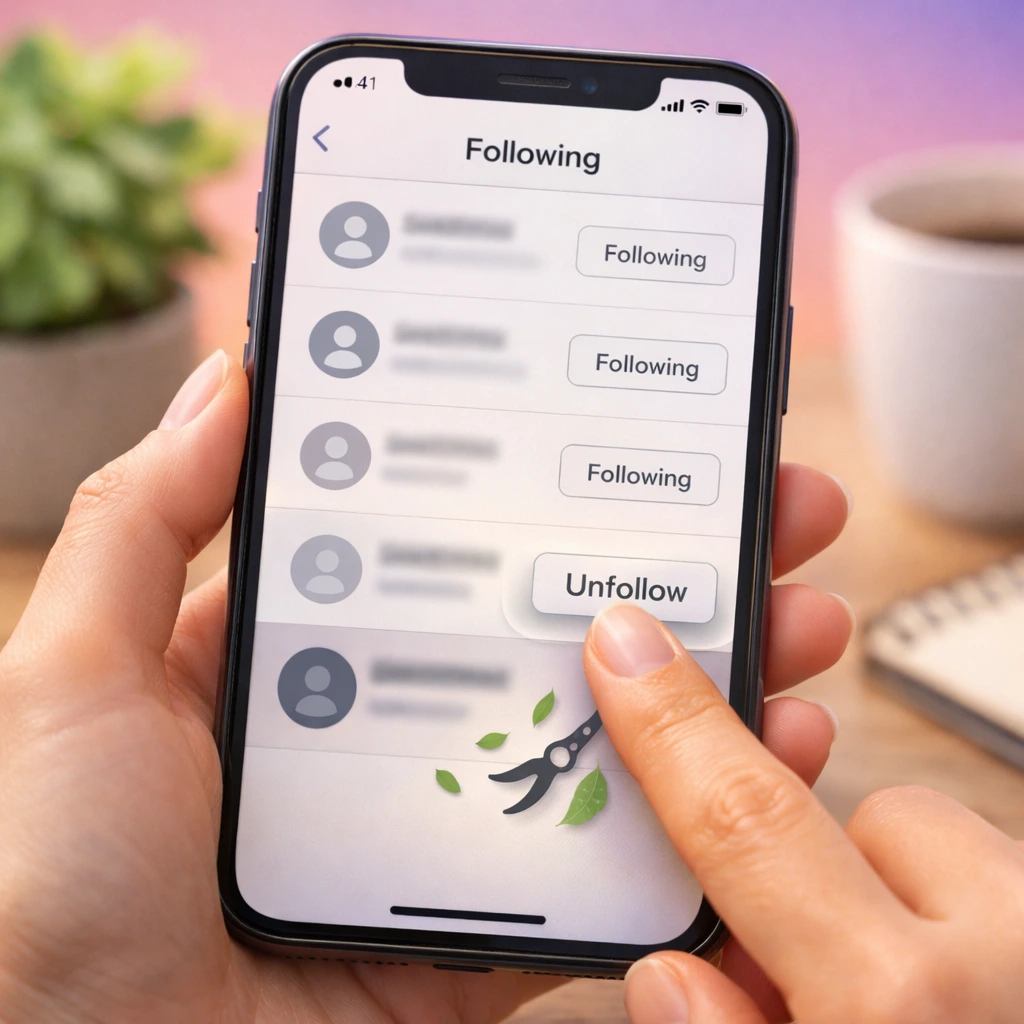

Unlike mutual platforms, Instagram follows are one-way, so unfollowing simply stops content from appearing in your feed. People usually mass unfollow to reduce feed clutter, rebalance follower-to-following ratios, or reset engagement signals. Done too quickly, though, it can trigger temporary action blocks, which is why pacing matters more than volume.
To mass unfollow on Instagram, you must remove accounts gradually and within activity limits to avoid action blocks or restrictions.
What Does It Mean to Mass Unfollow on Instagram?
Mass unfollowing on Instagram means removing a large number of accounts from your following list over a short period of time, either manually or through assisted tools. It’s commonly used to clean up inactive, irrelevant, or non-mutual follows while staying within Instagram’s activity limits.
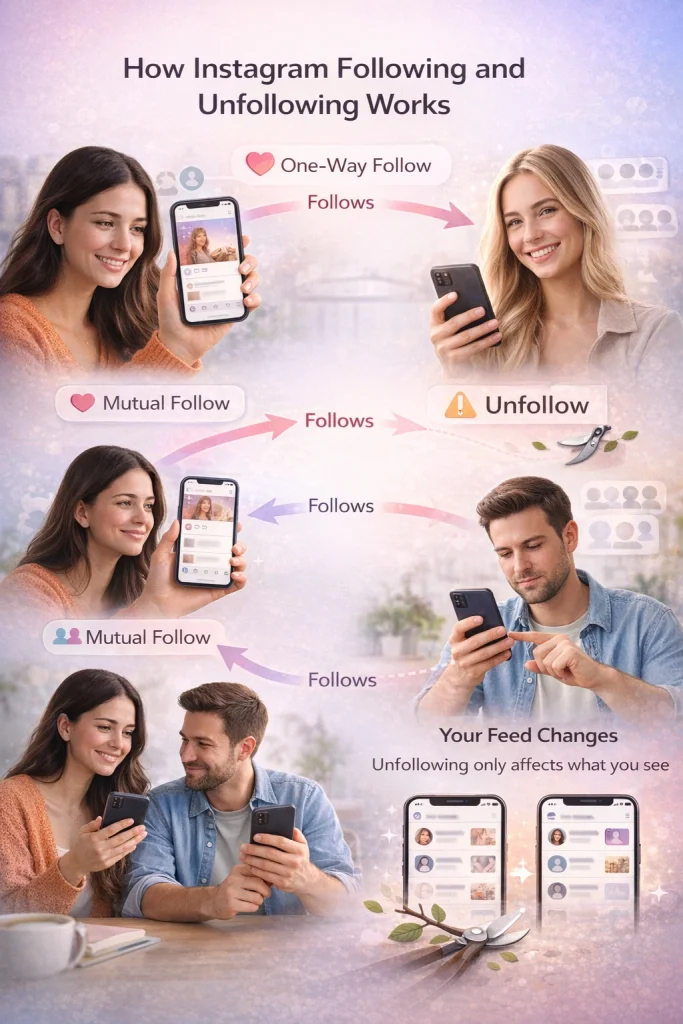
On Instagram, following someone is a one-way connection—you see their posts, but they don’t automatically see yours unless they follow you back. Unlike Facebook’s mutual “friending” model, Instagram’s system is designed around asymmetric relationships, similar to Twitter or TikTok. This setup makes it easy to follow people without needing approval (unless their account is private).
Unfollowing someone also changes what you see. Their posts and stories will disappear from your feed, which can actually be a relief if your timeline feels cluttered or irrelevant. If the goal is privacy rather than feed cleanup, it’s often more effective to remove followers directly instead of unfollowing them one by one.
Step-by-Step Guide: How to Mass Unfollow on Instagram
To mass unfollow on Instagram, follow these steps:
-
Open your Instagram profile and tap Following
This gives you access to your full following list and Instagram’s built-in sorting options. -
Sort by “Least Interacted With”
Start with accounts you haven’t engaged with in the last 90 days to avoid unfollowing people you still care about. -
Unfollow in small batches (20–30 at a time)
Avoid rapid tapping. Pause between unfollows to keep your behavior looking human. -
Limit sessions to 2–4 times per day
A safe rhythm is 30 unfollows in the morning, afternoon, and evening, staying under 100–150 total per day. -
Stop immediately if you see a restriction warning
If Instagram shows a “try again later” or restricted activity message, pause all unfollowing for at least 24 hours before resuming slowly.
Instagram Unfollow Limits (Hourly, Daily, and Account Age)
Most Instagram accounts can safely unfollow 20–30 people per hour and 100–150 per day, but these numbers aren’t fixed. Instagram adjusts limits dynamically based on how old your account is and how consistently you use it. Older accounts with steady activity usually tolerate higher limits, while newer or recently inactive accounts often get blocked much sooner. If you push past safe limits, Instagram’s “restricted activity” warnings can appear without notice and temporarily lock you out of basic actions.
Account age matters more than people think. A brand-new account may trigger restrictions after as few as 30–50 unfollows in a day, while a multi-year account with normal posting and engagement history can sometimes handle closer to 200 unfollows, if spread out carefully. Sudden spikes—like unfollowing 100 accounts in one sitting—are far more likely to cause problems than the total number itself.
Hourly pacing is just as important as daily totals. Rapid, back-to-back unfollows look automated, even if you stay under the daily cap. The safest approach is to unfollow in short sessions, wait at least 30–60 minutes between them, and stop immediately if you see a “try again later” or restricted activity message.
Tools and Automation: Can You Use Apps to Mass Unfollow?
Third-party apps and browser extensions that promise to mass unfollow on Instagram work by automating the unfollow process in bulk, often bypassing the platform’s built-in limits and controls. These tools range from standalone mobile apps to Chrome extensions that interact directly with your Instagram account.
At first glance, they seem like a time-saver—especially if you’ve followed hundreds of accounts during a growth sprint or engagement pod phase and now want to clean house. Tools like Cleaner for IG, AiGrow, or Mass Unfollow for Instagram have gained traction for this reason. But here’s the catch: most of these tools operate in a gray area, and many violate Instagram’s terms of use, particularly around automation and bot-like behavior.
Instagram’s algorithm is quick to flag accounts that perform too many actions in a short time—especially follows and unfollows. If you use an automation tool that unfollows 100+ accounts in one go, you’re likely to trigger a temporary action block or, worse, a permanent ban. This is especially important for users securing an Instagram account properly after a purchase, where sudden unfollow spikes can raise red flags during ownership transitions.
Manual vs. Automated Unfollowing on Instagram (Quick Comparison)
Manual unfollowing
-
Done directly inside the Instagram app
-
Uses built-in filters like “Least Interacted With”
-
Slower, but closely matches normal human behavior
-
Lower risk of action blocks when paced properly
-
Full control over who you unfollow and when
-
Best option for long-term account safety
Automated unfollowing
-
Uses third-party apps or browser extensions
-
Unfollows accounts in bulk or on a schedule
-
Much faster, but creates bot-like activity patterns
-
High risk of temporary blocks or permanent restrictions
-
Often requires sharing login credentials
-
Not recommended for accounts you care about
Bottom line: manual unfollowing takes more time, but it’s the only approach that consistently avoids restrictions and protects account health.
Real-World Scenarios: Why and When to Mass Unfollow
One of the most common reasons people mass unfollow is to clean up after using follow/unfollow tactics—where you follow hundreds of accounts hoping for a follow back, then later unfollow them. While this strategy was once popular for growth hacking, it often leaves your feed cluttered with irrelevant content and your engagement rate diluted. If you’re following 3,000 accounts but only 100 interact with your posts, Instagram’s algorithm notices.
Another key scenario: hitting Instagram’s following limit. Instagram caps followings at 7,500 accounts. Once you hit that ceiling, you can’t follow anyone new without trimming the list. For creators and businesses, this becomes a practical constraint—and a branding one. Following thousands of random accounts can look spammy or unprofessional. Many influencers intentionally keep their following count low to project exclusivity and maintain a clean public image.
Then there’s the mental clutter. If your feed feels like noise—too many updates from people you don’t know or care about—it can subtly drain your attention. Mass unfollowing can be a reset button for your digital space, helping you feel more in control. It’s not just about numbers; it’s about curating a feed that actually adds value to your day.
Frequently Asked Questions About Mass Unfollowing on Instagram
What’s the real unfollow limit per day?
There isn’t one fixed number—Instagram’s limit behaves like a moving threshold.
Real-world detail: Users report getting blocked after ~200 unfollows, while others claim ~400/day by splitting between app + desktop; both are anecdotal and inconsistent across accounts. Treat 50–150/day as the safer range if you want fewer blocks.
Is it true you can unfollow more on desktop than mobile?
Sometimes, but it’s not reliable and can still trigger blocks.
If I get action blocked, how long does it last?
Commonly 24–48 hours, but it can drag on if the account is repeatedly flagged.
Real-world detail: Some users clear in a day; others report getting re-blocked after just a few unfollows, creating a “perpetual” low-limit state. Best move is to stop all rapid actions, wait, then resume slowly (single-digit batches).
Why do some people get blocked after 50 unfollows while others do 300?
Instagram appears to weight account ‘trust’ and behavior patterns, not just raw counts.
Real-world detail: Older accounts with steady activity often tolerate more; accounts that recently changed behavior (sudden purge) get throttled fast. Reddit reports show people unfollowing 50/day fine, then abruptly getting blocked and limited to 1–5/day afterward.
No—anything promising that is either fake or risky automation.
Real-world detail: Instagram doesn’t provide bulk-unfollow, and the stories of “one-click” resets usually end in action blocks, security prompts, or longer restrictions. If you truly want a reset, do it as a slow cleanup over days, not a single session.

Benjamin Amiri
Benjamin Amiri is a digital growth consultant and senior contributor at InstaDeal. He specializes in Instagram engagement strategies, Facebook ads innovation, and TikTok product marketing. With a track record of scaling brands and creator accounts, Benjamin turns performance data into actionable growth tactics that deliver measurable results.


