

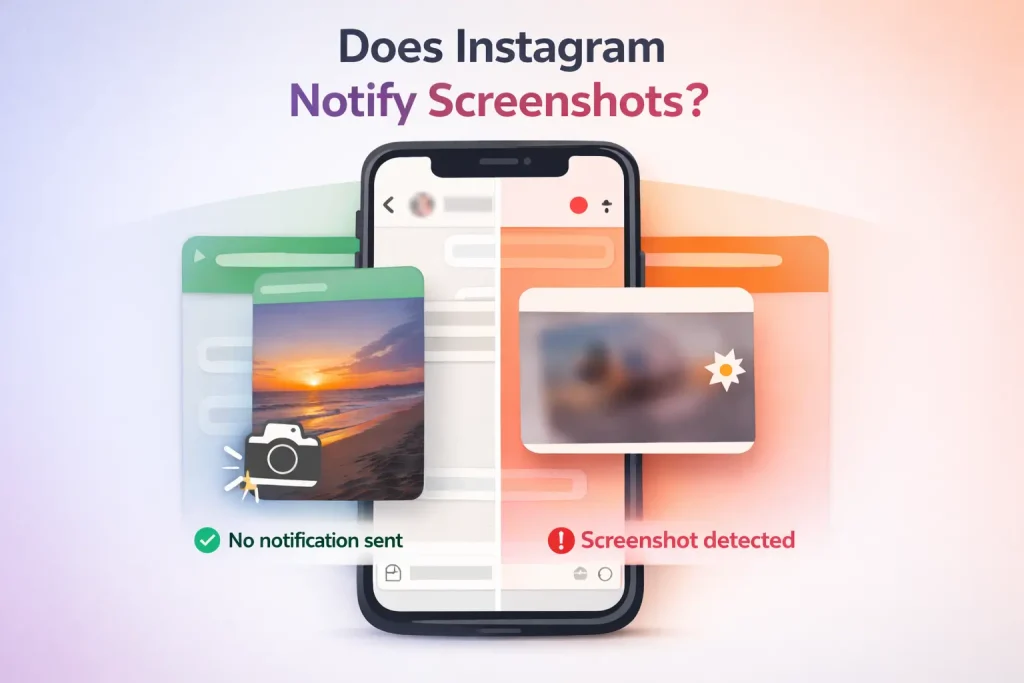

Instagram only notifies users when you screenshot disappearing photos or videos sent in direct messages. Regular screenshots of posts, Stories, Reels, profiles, comments, and standard DMs do not trigger alerts. The notification appears as a small icon inside the chat, letting the sender know the temporary media was captured.
This distinction exists because disappearing messages are designed for one-time viewing. Everything else on Instagram—whether public or private—is treated as shareable content, even if the account itself is private. Understanding that line between ephemeral and permanent content clears up most confusion around screenshot notifications.
Does Instagram Notify When You Take a Screenshot?
The short answer? Instagram does notify users, but only in one very specific situation: when you screenshot a disappearing photo or video sent in a direct message.
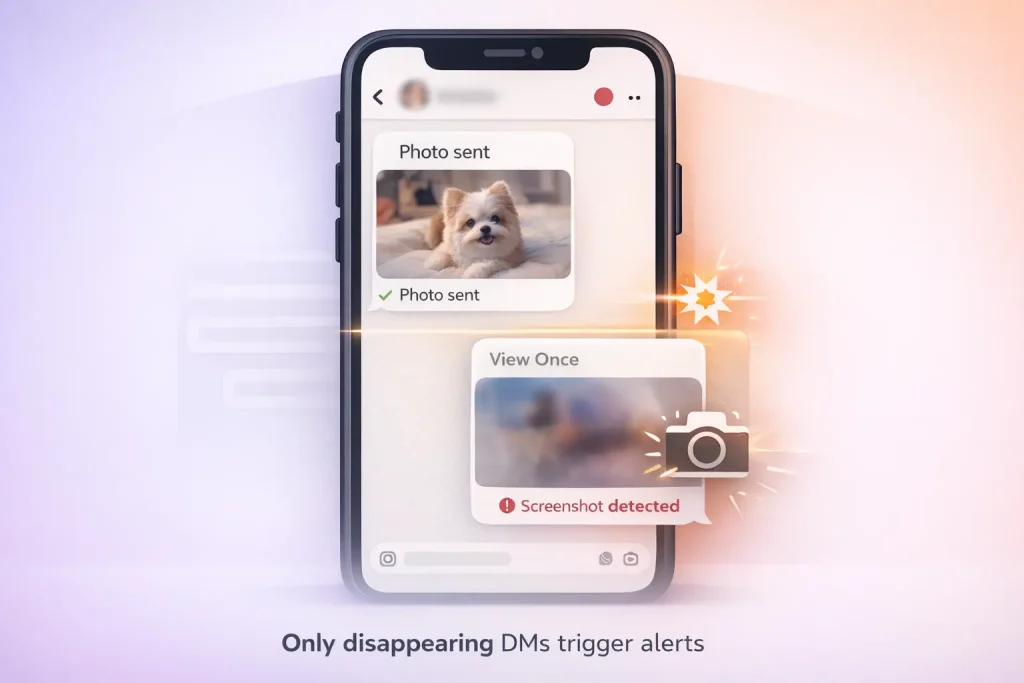
This means regular posts, Stories, Reels, and even standard DMs are fair game. You can capture them without triggering any alerts. That “disappearing” content, though—that’s where Instagram draws the line. These are the one-time view or replay-only photos and videos you send via DM using the camera icon. If someone screenshots one of those, Instagram adds a small starburst icon next to the message in the chat thread.
Does Instagram Notify Screenshots of Stories or Reels?
A common misconception is that Stories send screenshot alerts. That was true—briefly—years ago during a short-lived test in 2018. But Instagram scrapped the feature, and it hasn’t returned since. Today, you can screenshot any Story or Reel without the poster knowing. Same goes for profile pages, captions, comments—none of that triggers a notification.
One thing that trips people up is the difference between disappearing messages and regular media in DMs. If you send a photo from your camera roll through the chat, that’s not considered “disappearing,” even if it looks casual or temporary. Only content captured *in the moment* using the camera within the DM counts. It’s a subtle distinction, but it matters.
Here’s a tip from experience: If privacy around Stories matters to you, it’s also worth knowing how to manage who can see your Instagram Highlights rather than worrying about screenshot notifications.
So, in practice, unless you’re in a disappearing-photo exchange, you can screenshot freely. Just remember: Instagram’s design is all about context. The app doesn’t punish curiosity—but it does protect fleeting moments.
The History and Evolution of Instagram’s Screenshot Policy
Back in 2018, the platform briefly tested a feature that alerted users when someone took a screenshot of their Story—clearly inspired by Snapchat’s privacy-first model. But it didn’t last long. After a few months of testing and mixed user feedback, Instagram quietly dropped the feature without much fanfare. Since then, Stories have remained screenshot-friendly, no alerts involved.
That decision wasn’t random. Instagram has always walked a fine line between privacy and usability. While Snapchat built its brand around ephemeral content and tight controls, Instagram leaned more into shareability and engagement. Platforms like Instagram constantly evolve, and insights like these are regularly analyzed across the marketplace and resource hub for Instagram accounts at InstaDeal. The site focuses on long-term platform trends, account safety, and how policy changes affect real users.
One common misconception is that Instagram secretly tracks all screenshots and just doesn’t tell you. It doesn’t. If you’re worried about whether someone knows you screenshotted their Story or profile, they don’t—unless it was a disappearing DM.
Why Instagram Notifies Screenshots in DMs but Not Stories
The moment you take a screenshot of a disappearing photo or video in a direct message, the other person gets notified. That difference throws a lot of people off, but it actually makes sense when you think about what disappearing messages are meant to do. This same logic applies to other private actions in DMs, like what happens when you unsend a message on Instagram, where notifications depend heavily on context rather than user intent.
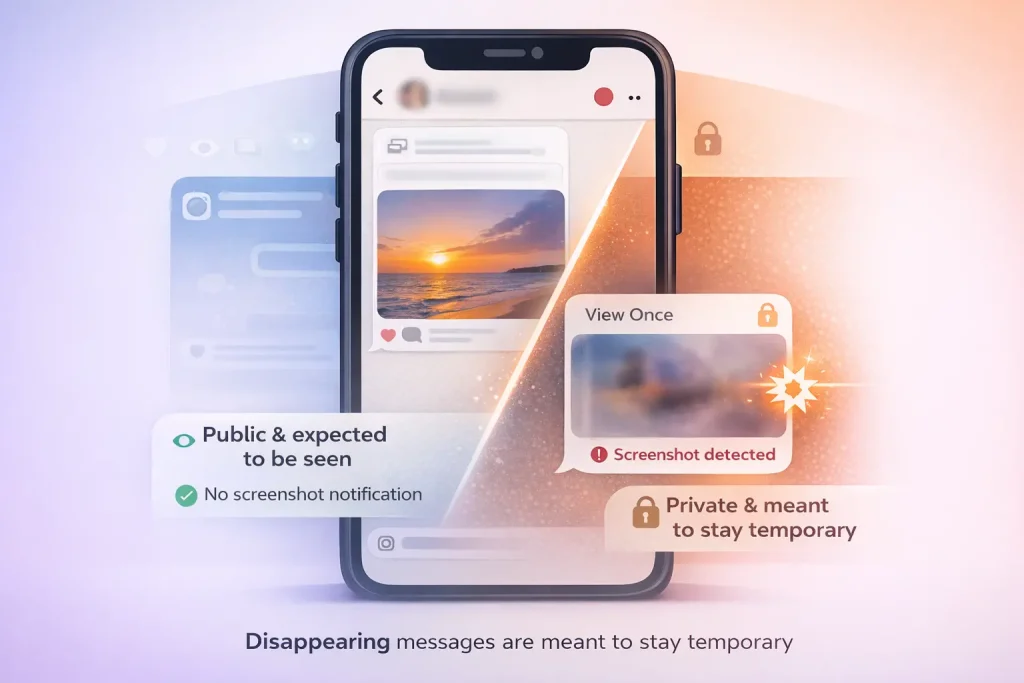
These vanish-on-view messages are modeled after Snapchat’s original privacy-first approach. They’re designed for one-time sharing—something quick, maybe sensitive, that’s not meant to stick around. Instagram treats them as private, ephemeral moments, not content to be saved or shared without consent. Understanding how Instagram treats privacy signals is especially important when thinking about account safety and ownership risks, including how accounts are evaluated and transferred securely.
Compare that to Stories or posts, which are intentionally more public. Even if your account is private, your followers are expected to see your Stories, and there’s an understanding that they might be screen-captured. Instagram doesn’t notify for those because the platform assumes a different level of visibility and permanence.
Best Ways to Save Instagram Content Without Notifications
If you’re trying to keep things low-key while saving or sharing content on Instagram, the good news is that most of the time, you can do so without alerting anyone. Regular posts, Reels, and Stories can be screenshotted freely—Instagram doesn’t send a notification. So if you’re saving a recipe from a food blogger or grabbing outfit inspiration from someone’s Story, you’re in the clear. But there are a few caveats worth knowing.
If you just want to save a post for later, the built-in Save feature (the little bookmark icon) is the safest and most respectful route. It keeps the content organized in your private collections, and the creator isn’t notified. It’s also a cleaner way to avoid cluttering your camera roll with screenshots you’ll forget about in a week.
One mistake I see often: people assume that just because screenshotting is technically private, it’s always okay. But just because you can doesn’t mean you should. If someone shares something personal or ephemeral—especially in Stories—it’s worth considering whether saving or sharing it crosses a line.
FAQ: Common Questions About Instagram Screenshot Notifications
1- Does Instagram notify when you screenshot a Story (including Close Friends)?
No—Instagram doesn’t send screenshot notifications for Stories, including Close Friends Stories.
2- Does Instagram notify when you screen record a Story?
No—screen recordings of Stories don’t trigger notifications.
3- Can any third-party app tell you who screenshotted your Story?
No—apps claiming this are unreliable at best and often risky (scams, credential harvesting, malware).
4- Can Instagram ever “detect” a screenshot even if you didn’t take one?
Rare false flags can happen (usually tied to DM/Vanish interactions and device/app quirks), but it’s not a normal behavior and isn’t a reliable “tracking” feature.

Benjamin Amiri
Benjamin Amiri is a digital growth consultant and senior contributor at InstaDeal. He specializes in Instagram engagement strategies, Facebook ads innovation, and TikTok product marketing. With a track record of scaling brands and creator accounts, Benjamin turns performance data into actionable growth tactics that deliver measurable results.


