

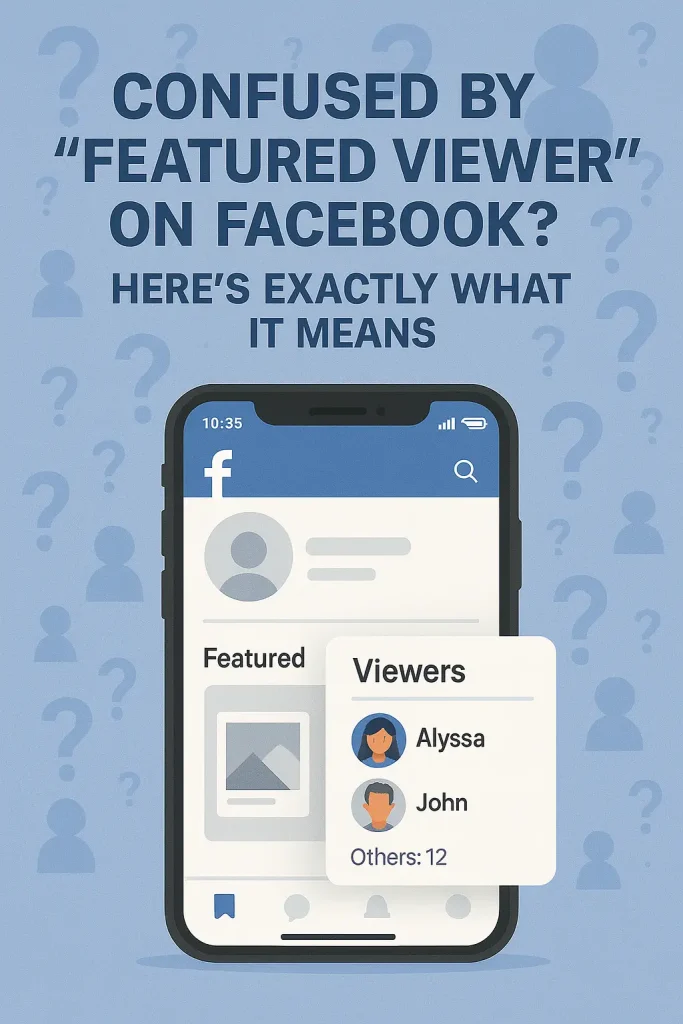

What Is a Featured Viewer on Facebook? The Quick, Simple Answer
A Featured Viewer on Facebook is usually one of your Facebook friends who has viewed your Featured collection – the photos and stories you’ve pinned at the top of your profile.
When you create a Featured collection (sometimes called Highlights) and someone taps into it, Facebook groups the people who viewed it into two buckets:
-
Featured viewers / Viewers – your Facebook friends who opened that collection. You’ll see their names and profile pictures in the list.
-
Others – people who aren’t your friends but still saw that Featured collection. You only see a number for them, not their identities.
So when you notice “Featured viewer” or a viewer list under a Featured collection, it isn’t some secret crush badge or hidden stalker mode. It’s literally Facebook saying, “These friends opened the stuff you chose to highlight.”
How Facebook’s Featured Section and Stories Work (So You Understand Where Featured Viewers Come From)
At a basic level, Featured = permanent highlight on your profile, while Stories = 24-hour updates that can turn into highlights later. They can use the same photos or clips, but they live in different places and follow different rules.
The Featured section sits on your profile, under your Intro/Details area. Facebook lets you pick photos and past stories and group them into a Featured collection (or several), usually up to 9 photos per collection. When someone visits your profile and taps that collection, they see a little slideshow of whatever you chose to pin there.
Here’s the important bit people miss:
-
Those collections are designed to help “people get to know you better,” which is Facebook’s way of saying they’re meant to be broadly visible.
-
In most current implementations and guides (2023–2025), Featured collections are public by default, so both friends and non-friends can view them when they land on your profile.
Stories work differently. They appear at the top of the Feed, last about 24 hours, and then drop into your private story archive (if that setting is on) or disappear. You can tap Viewers on an active story to see who watched it, and you can control who’s allowed to see your stories—Public, Friends, or a custom list—via Story privacy settings.
How Facebook Decides Who Becomes a Featured Viewer
For the Featured section on your profile, the logic is very straightforward:
A “Featured Viewer” is any Facebook friend who opens your Featured collection.
Multiple 2023–2025 guides agree that when a friend taps into your Featured / Highlights collection, they’re added to the Viewers / Featured viewers list. Anyone who isn’t your friend but still opens that collection gets counted under “Others” as an anonymous number. There’s no evidence of extra ranking magic here; if they’re a friend and they viewed it, they’re a Featured viewer. If they’re not, they’re “Others.” Simple.
Some newer 2024–2025 social media blogs describe “Featured Viewer” as a label that can appear next to a story viewer who’s watched your stories multiple times or consistently engages with them. In that version, Facebook is basically flagging a “high-interest” viewer based on repeat views and interactions. Meta hasn’t published any official help article spelling out that exact rule, though, so it’s best treated as an informed guess, not gospel.
How to See Your Featured Viewers on Facebook (Step-by-Step Guide)
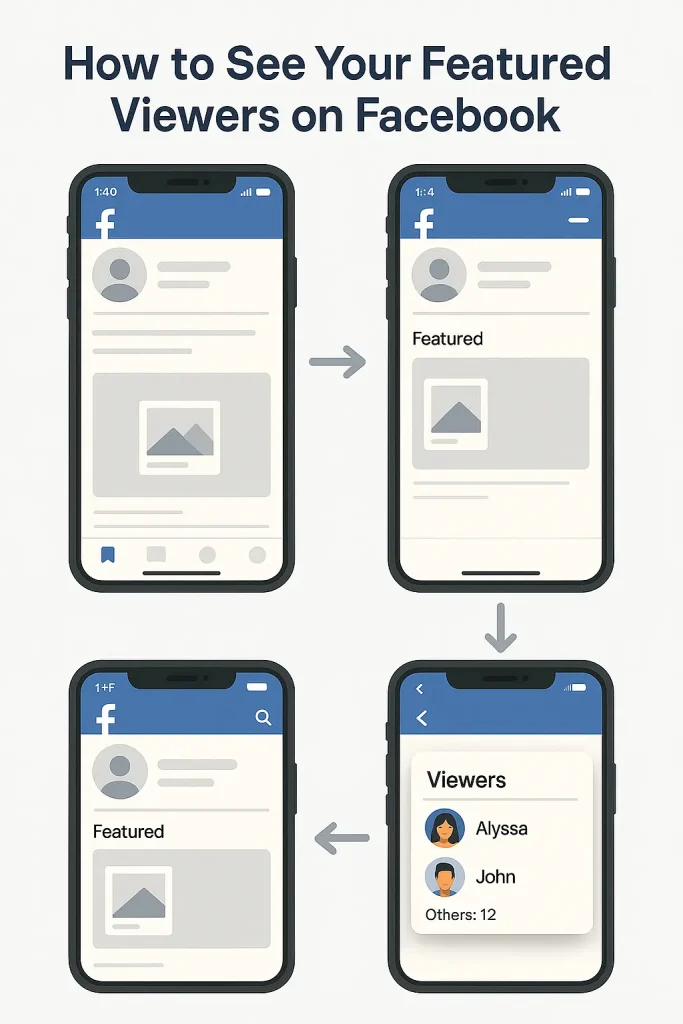
To see your Featured viewers, open your profile, tap a Featured collection, then tap the viewer count at the bottom. For stories, open the story and tap Viewers at the bottom-left while it’s still live.
Let’s break that down so you’re not hunting around the app.
1. See viewers on your Featured collections (profile highlights)
On mobile (Android / iOS):
-
Open the Facebook app and log in.
-
Tap your profile picture to go to your profile.
-
Scroll down until you see the Featured section (under your intro/details).
-
Tap the Featured collection you want to check.
-
At the bottom-left, tap the viewer count (it may say something like “12 viewers” or “No viewers yet”).
-
A panel slides up showing:
-
Friends with names + profile photos → these are your Featured viewers.
-
A line like “Others: 5” → that’s people who viewed the collection but aren’t your friends.
-
2. See who viewed your Facebook Story
-
From your Feed, tap Your story at the top.
-
On the story, tap Viewers in the bottom-left (or swipe up).
-
You’ll see a list of all profiles and Pages that watched it, plus an “Others” count for non-friends or people with stricter privacy.
Featured Viewers vs “Others” vs Regular Viewers on Facebook
What “Featured Viewers” Actually Means
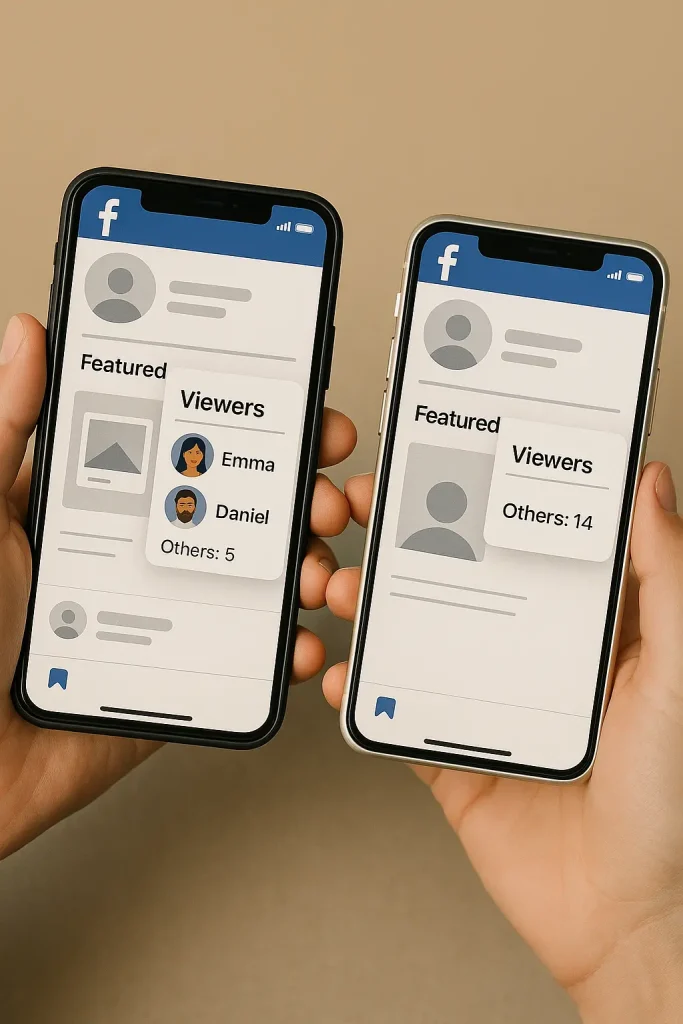
A Featured viewer is simply a Facebook friend who viewed your Featured collection. Their name and profile photo appear because they’re connected to you. Nothing deeper is happening behind the scenes — if they opened the collection, they show up.
What “Others” Represents
When you see “Others”, Facebook is telling you that non-friends viewed your Featured content. These could be followers, public viewers, or anyone who visited your profile. Their identities stay hidden for privacy, so you only see a number.
What “Regular Viewers” Includes
This is the full audience for your Featured collection:
friends you can identify + non-friends you can’t.
Facebook simply divides them into two groups — visible friends and anonymous viewers — so you understand who actually engaged with the content.
Why Some People Call Story Viewers “Featured”
Some blogs and creators use “featured viewer” to describe people who appear high in your Story viewer list. That’s more slang than an official Facebook term. It usually refers to people who watch your stories often or interact frequently, so Facebook’s ranking system pushes them toward the top.
People Can See You Viewed Their Featured Collection — But Only If You’re Friends
This is the part most people get nervous about. When you view someone’s Featured collection and you’re on their friends list, your name and profile picture appear in their viewer list. Facebook treats Featured collections as semi-public highlights, and friends viewing them is fully visible.
If you’re not their friend, you still count as a view — but only under the anonymous “Others” label. They’ll see the number, not your identity.
Story Visibility Works Almost the Same Way
The same pattern shows up in Facebook Stories. Friends — or anyone included in the creator’s story audience settings — appear by name in the viewer list.
People outside that circle show up only as a number. Facebook doesn’t reveal non-friend identities for privacy reasons, even if the story is public.
You Can’t Remove Yourself After Viewing Someone’s Featured Content
A common panic moment is realizing your name appeared in someone’s viewer list and wondering if you can undo it. Unfortunately, once you view a Featured collection while logged in, that action is saved to their viewer list. There’s no “erase” button.
The only reliable way to avoid showing up is to not view it from your real account in the first place — or to use a separate account or log out before opening public content.
Being a Featured Viewer Doesn’t Mean Anything Romantic or Intense
Another big myth: appearing in someone’s viewer list means you’re their crush, a “top fan,” or someone the algorithm thinks is obsessed with them. None of that has any evidence behind it.
Meta’s ranking systems focus heavily on engagement signals — likes, comments, replies, and how often people view each other’s content. If someone is frequently high in a story viewer list, it’s usually because they interact more than average, not because Facebook is hinting at hidden affection or weird behavior.
If Privacy Matters to You, Your Best Tools Are Settings and Caution
If you’re worried about who can see your activity, the most effective steps are simple ones:
check your story audience every time, avoid putting sensitive content in public Featured collections, and remember that anything you tap while logged into Facebook can leave a trace.
How Creators and Brands Can Use Featured Viewers on Facebook
1. Treat Featured Viewers as Your Built-In Warm Audience
When someone consistently shows up in your Featured viewer list or in your Story views, they’re signaling something valuable: interest. They’re not random scrollers — they’re the people choosing to go deeper into your content.
Creators and small brands can treat these viewers the way marketers treat warm leads. Look at who appears repeatedly. Notice which names also like, comment, or reply to your posts. Those are the people who’ll most likely say yes to a Q&A invite, share feedback, or try a new product or offer.
2. Create Featured Collections That Attract the Right People
Featured collections don’t have to be random highlight reels. They can work as little qualifiers. For example, a “Start Here” highlight can introduce your brand or origin story. A service provider might use a “Client Wins” or “Case Studies” collection; an online shop could use “Products in Action” or “How It Works.”
Anyone who opens these collections is signaling interest in that specific area. Once you notice who’s tapping in, you can prioritize interacting with them — reply to their comments faster, engage on their posts, or keep them in mind for future campaigns or launches.
3. Combine Stories and Featured Collections as a Simple Funnel
Stories are great for frequent touchpoints — behind-the-scenes updates, polls, quick value bites. Featured collections are where the “best of” or the most important pieces go. Connecting the two creates a natural funnel: Stories warm people up, Featured collections deepen their interest.
Creators often notice patterns over time: the same people watching stories daily, then showing up again in Featured viewer lists. Those repeat viewers are usually the strongest signals of audience loyalty. Even without analytics tools, checking these patterns once or twice a week gives you a clear sense of who’s tuned in and who might be ready for a next step.
Troubleshooting: Why You Can’t See Featured Viewers on Facebook
If you don’t see any Featured viewers (or the whole Featured section seems missing), it usually comes down to a few boring but fixable reasons – not some secret setting you “missed.”
1. You don’t actually have a Featured collection yet
To see Featured viewers, you first need at least one Featured collection on your profile. That’s the little collage under your Intro where you can add selected photos or past stories. Guides updated in 2024–2025 confirm that until you create a collection, there’s simply nothing to track.
So if you don’t see a Featured section at all:
-
Go to your profile.
-
Scroll under your Intro / Details.
-
Look for a “New” or “+” box that lets you create a Featured/Highlights collection.
Create at least one collection, let a few people view it, then come back and check the viewer list.
2. You only see “Others” and no names
If you tap Viewers on a collection and all you see is “Others: X” with no friend names, it usually means:
Only non-friends have viewed that collection so far.
Recent how-to articles (including ones from 2025) still describe “Others” as viewers who aren’t on your friends list, with no way to see their identities.
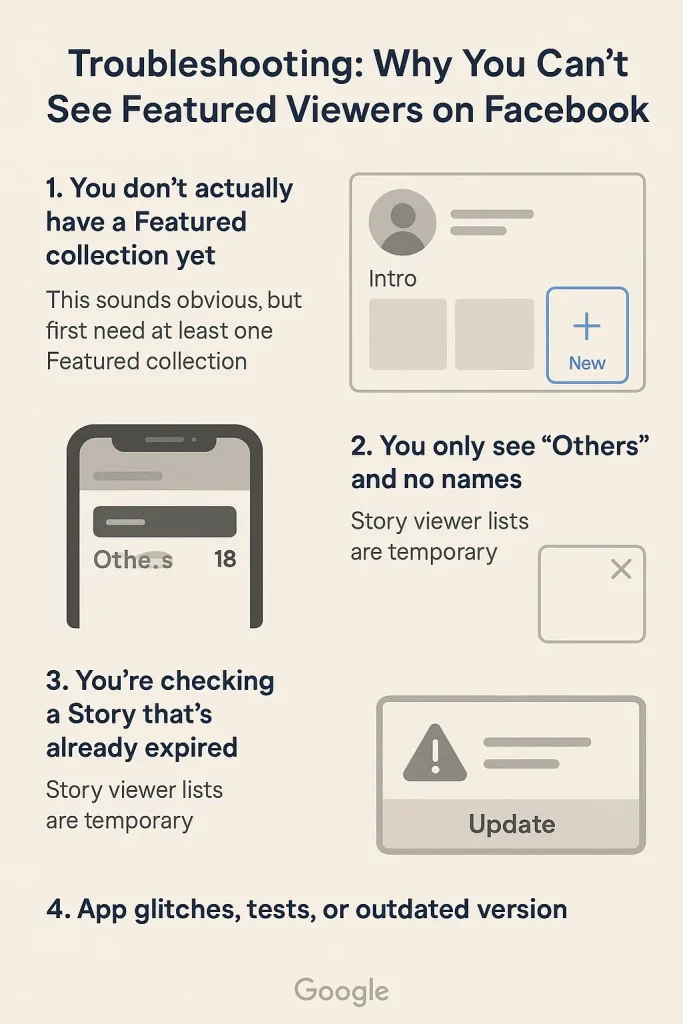
3. You’re checking a Story that’s already expired
Story viewer lists are temporary.
Facebook’s own Help Center and multiple 2025 guides say you can tap Viewers while a story is live (around 24 hours) to see who watched it. After that, the story moves to your archive and the viewer list may no longer be visible in the regular interface.
4. App glitches, tests, or outdated version
Facebook does run interface tests and sometimes things just bug out (stories and Featured viewers are heavily discussed in 2024–2025 bug / how-to threads).
Quick fixes worth trying:
-
Update the Facebook app to the latest version.
-
Log out and back in.
-
Check from another device (phone vs desktop).
-
Make sure your internet connection isn’t flaking out.
FAQs About Featured Viewers on Facebook (2025 Updated Answers)
Here’s the messy, real-world stuff people keep asking in forums, Reddit threads, Quora answers, and comment sections — with short, fact-checked answers.
Can I see who the “Others” are on my Featured photos or stories?
For most users, no. Current 2024–2025 guides and tests still say “Others” stay anonymous, especially when your story or Featured collection is public.
Can I remove myself from someone’s Featured viewers list?
Not retroactively. Once you view their Featured collection while logged into your account, that view is recorded.
Does Facebook tell people how many times I viewed their story or Featured photos?
No. Facebook shows that you viewed (if you’re in their allowed audience), but not how many times you opened it.
Are third-party “anonymous story viewer” tools safe and do they work?
Some tools and browser-based viewers do let people watch public Facebook stories without appearing in the in-app viewer list, basically by pulling the story into a separate interface. However, you trade that for privacy and security risks.

Alex Morris
Alex Morris is a social media strategist and lead writer at InstaDeal. He specializes in Instagram, TikTok, and creator monetization trends, helping influencers and brands grow smarter online. With over 10 years of digital marketing experience, he simplifies complex topics into practical insights.


