

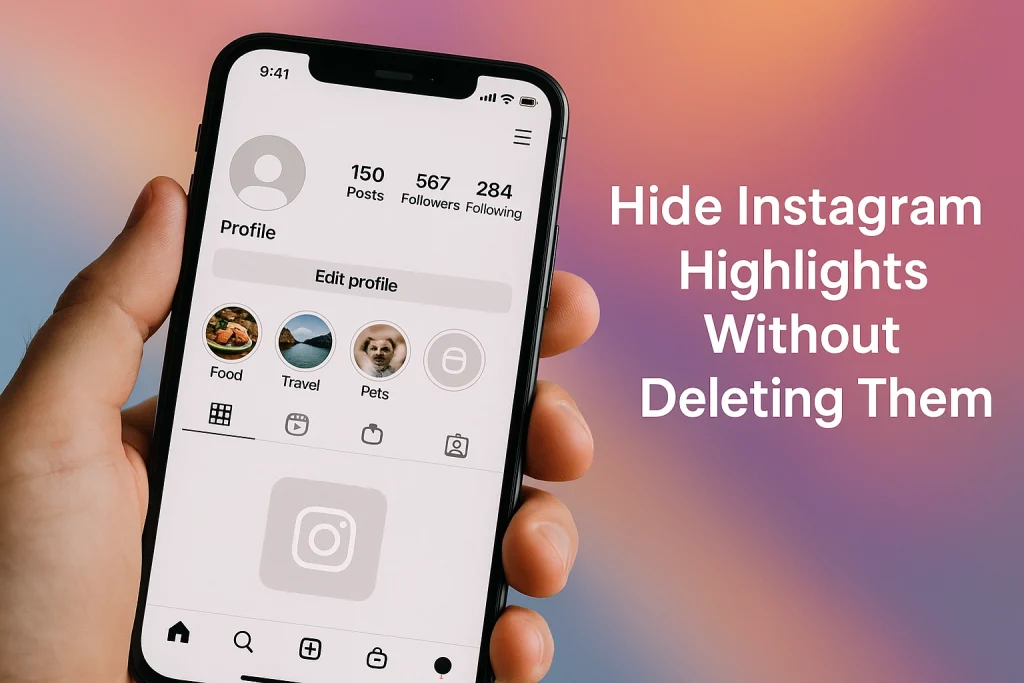

You can hide Instagram Highlights without losing the stories behind them. You’ve basically got four main tools to work with, and once you understand them, the whole thing stops feeling scary.
Here are the four ways:
-
Remove the highlight from your profile, keep the stories in Archive.
When you delete or “remove from highlight,” you’re only removing that highlight bubble from your profile. The original stories usually stay saved in your Stories Archive (as long as Archive is turned on), so you can rebuild the highlight later. -
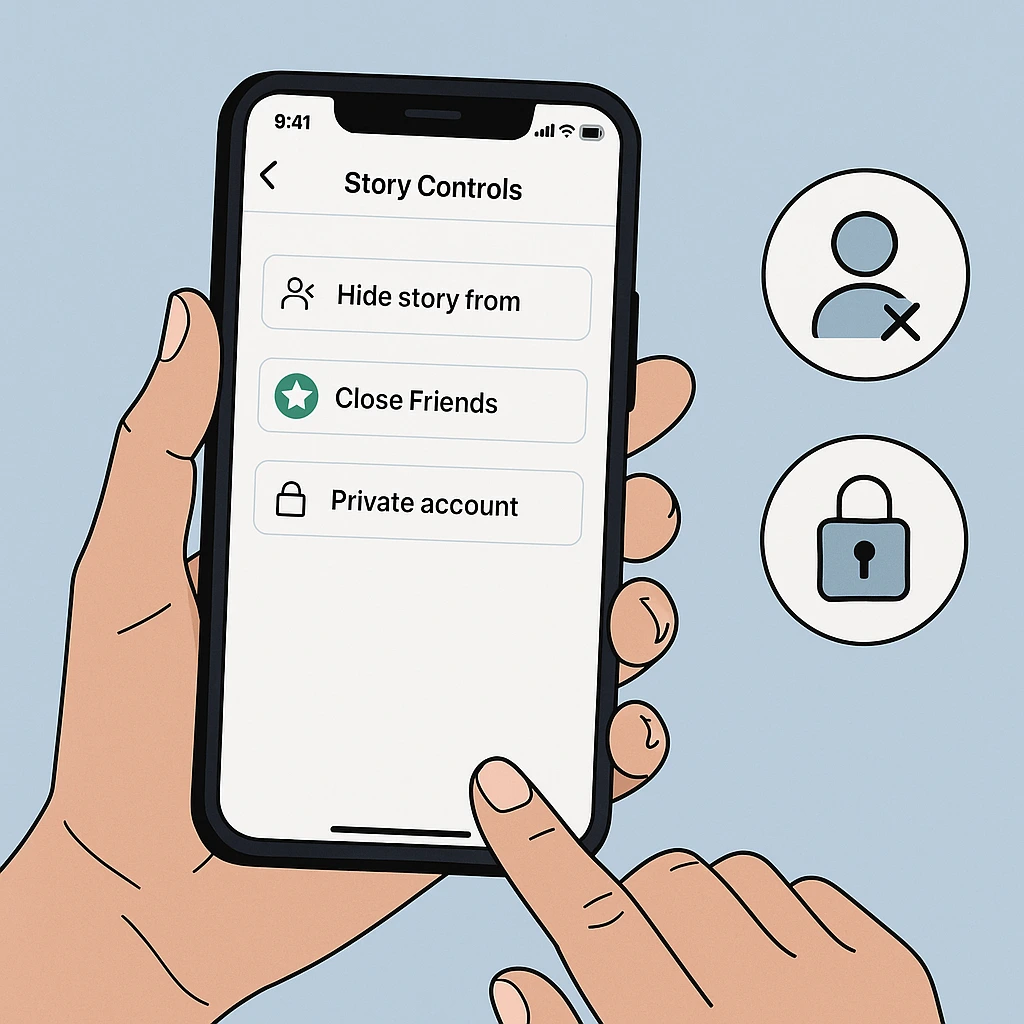
Hide your highlights from specific people using Story privacy.
Go to Settings → Privacy → Story → Hide story and live from, choose the people you want to block. Anyone on that list can’t see your stories or your highlights at all, even if they still follow you. -
Use Close Friends for “semi-private” highlights.
Share a story only with your Close Friends list, then add it to a highlight. That highlight is visible just to that smaller group, not your entire follower base. -
Flip your account to private for full-profile control.
If your account is private, only approved followers can see your posts, stories, and highlights at all. This is the “hard lock” option when you want maximum control.
Table of Contents hideDid you Know
1. Hidden Quality Drop-off: Archived Stories Can Get Grainy Over Time
Even if you archive a Story instead of deleting it, users report that sometimes—especially with videos—the quality degrades after a few months.
2. Highlights Can Live Forever — Unless You Delete Them
Unlike regular Stories that vanish after 24 hours, Highlights stay on your profile indefinitely — they don’t expire automatically.
3. Hiding or Privacy Settings Affect Highlights Too
When you use Instagram’s privacy tools (like “Hide Story From” or posting to “Close Friends”), those settings don’t just apply to live Stories — they carry over to Highlights.
Hide vs Delete vs Archive: What Actually Happens to Your Instagram Highlights
Deleting a highlight only removes the little bubble from your profile, and as long as Story Archive is turned on, the stories inside it usually stay saved in your archive. Deleting a story, however, is permanent—once it’s gone, it disappears from your highlights and your archive after Instagram’s short recovery window. Archiving works differently: it simply hides stories or posts from your public profile while keeping them privately stored so you can restore or reuse them later.
So, if you only want to hide something: Use delete on the highlight, not on the story, and make sure Archive is turned on first.
Step-By-Step Guide: How to Hide Instagram Highlights on iPhone & Android Without Deleting Them
1. Hide an Entire Highlight From Your Profile (But Keep It Saved)
This works the same on iPhone and Android:
-
Open Instagram and go to your profile.
-
Tap and hold the highlight you want to hide.
-
Tap Delete highlight (or similar wording).
-
Confirm.
2. Hide Only Certain Stories Inside a Highlight
Maybe you like the highlight… just not every slide in it.
-
Go to your profile → tap the highlight.
-
Tap through to the story you want to remove.
-
Tap the three dots / More in the bottom-right.
-
Choose Remove from Highlight and confirm.
You can also tap Edit Highlight, see the list of included stories, and simply uncheck the ones you don’t want visible anymore.
3. Let Stories Live Only in Archive (No Highlight at All)
If you want zero highlights but still want your past stories:
-
Make sure Save story to archive is turned on.
-
Let stories expire after 24 hours without adding them to a highlight.
-
Later, you can go to Archive from your profile menu and re-add any story to a new highlight if you change your mind.
How to Hide Instagram Highlights From Specific People (Story Settings, Close Friends & Privacy Tools)
If you don’t want to remove highlights from your profile, you can still control exactly who sees them. Remember: highlights are built from stories, so story privacy = highlight privacy. Once you get that, things click.
Hide Instagram Highlights From Specific People (“Hide story from”)
Here’s how to set it up (iPhone and Android are almost identical):
-
Go to your profile → tap the three lines (☰) top-right.
-
Tap Settings and privacy.
-
Scroll to Who can see your content (label names get tweaked, but Story is under a privacy/visibility section).
-
Tap Story.
-
Tap Hide story and live from (sometimes just “Hide story from”).
-
Select the people you want to block from seeing your stories.
From that moment:
-
Any new story you post is hidden from those accounts.
-
Any highlight built from those stories is also hidden from them, even if the highlight sits permanently on your profile.
And if you’re tightening up your privacy in general, you might also want to learn how to hide your following list on Instagram so people can’t snoop on who you follow.
Show Highlights Only to Your Close Friends List
Close Friends is for a smaller circle you trust more. Instead of blocking people, you basically say, “These are the only ones I’m posting this to.”
To set it up:
-
Go to your profile → tap the three lines (☰).
-
Tap Close Friends.
-
Add the people you want in that private “VIP” list.
Then, when you post a story:
-
Choose Close Friends instead of Your story.
-
That story will appear with a green ring.
-
If you add that story to a highlight, that highlight is only visible to your Close Friends (because they’re the only ones who ever got the story).
Use a Private Account for Full-Profile Control
When you switch your Instagram account to private, everything on your profile—your posts, stories, and highlights—becomes visible only to people you’ve already approved as followers. Anyone new has to send a follow request, and you decide whether to accept or ignore it, giving you full control over who can see anything you share.
To check or change this:
-
Go to your profile → tap ☰.
-
Tap Settings and privacy.
-
Look for Account privacy (usually near the top).
-
Toggle Private account on or off.
If you’re a creator or business, going fully private can hurt discoverability, so you’d usually rely more on Hide story from and Close Friends instead.
How to Unhide or Restore Instagram Highlights After Hiding Them
Good news: in most cases, hiding a highlight isn’t permanent. If you’ve only removed the highlight itself but didn’t delete the stories, you can rebuild it later straight from your Story Archive. And even if you actually deleted some stories, Instagram often lets you restore them from the Recently Deleted section for a limited time—up to about 30 days, or roughly 24 hours if they were never saved to Archive—so you can usually bring things back without reposting everything from scratch.
Restore a Hidden Highlight From Your Archive
When a story expires after 24 hours and Archive is on, Instagram saves it privately for you. In 2025, you can still:
-
Go to your profile → tap the menu (☰).
-
Tap Archive → make sure you’re on Stories Archive.
-
Scroll to find the stories that used to be in your highlight.
-
Tap a story → tap Highlight → either create a new highlight or add it to an existing one.
That effectively “unhides” the highlight on your profile, using the same old content.
Recover Stories First, Then Rebuild the Highlight
If you actually deleted stories:
-
Go to profile → menu (☰) → Your activity → Recently deleted.
-
Switch to the Stories tab.
-
Select the story → tap Restore.
Once restored, it’ll either pop back to Archive or your profile (depending on how it was removed). If you’re starting from scratch or rebuilding your bubbles, here’s a simple tutorial on how to add highlights on Instagram
Pro Tips for Creators: Using Hidden Instagram Highlights Without Deleting Your Stories
Hidden or “soft-hidden” highlights are a strategy tool, not just a panic button. Used well, they make your profile look sharper and easier to manage long term.
Let’s walk through a few ways to treat them like a pro.
1. Audit and Rotate Your Highlights Regularly
Most creators who grow fast do highlight audits every 3–6 months—they archive old stuff, keep what still converts, and rebuild clean, themed highlights (About, Services, Reviews, FAQs, Trips, etc.). Marketing guides in 2025 still treat Highlights as a key “first impression” strip for new visitors, right after your bio.
Practical move:
-
Delete or archive messy, outdated highlights.
-
Keep Story Archive on so you can rebuild from your best past stories instead of starting from zero every time.
2. Use Hidden Highlights as a Private Content Library
Your Story Archive plus deleted-from-profile highlights is basically a research library: testimonials, launches, events, Q&As, behind-the-scenes clips. Many social media managers now repurpose old stories into new highlight sequences, reels, and carousels.
What you can do:
-
Keep “evergreen” content (FAQs, how-tos, social proof) archived even if it’s not visible right now.
-
When you run a new campaign, pull from that archive and rebuild a themed highlight instead of creating everything from scratch.
3. Balance Privacy With Social Proof (Don’t Over-Hide)
If you hide too much, your profile can look inactive or untrustworthy—especially for brands and freelancers. A completely empty highlight bar often reads as “new, inactive, or not established” in marketing playbooks.
So a smarter approach is:
-
Keep at least 2–4 strong, public highlights: About, Proof/Reviews, Offer, or Portfolio.
-
Push more personal or sensitive stories into Close Friends–only highlights or keep them archived for your own reference.
That way you get the best of both worlds: privacy where you need it, and visible social proof where it matters.
FAQs: Everything About Hiding Instagram Highlights Without Deleting Them (2025 Guide)
Let’s hit the common questions people ask on Reddit, forums, and Quora all the time; collected by InstaDeal:
No. Instagram doesn’t send any notification if you use “Hide story from” or change your story audience.
Are Instagram Highlights visible to non-followers?
Yes, if your account is public. Anyone who can view your profile (even without following) can tap and watch your highlights. On a private account, only approved followers can see them at all—non-followers won’t even see the highlight bubbles.
Can I hide a specific highlight from one person only?
Not individually. There’s no “hide just this one highlight from X” toggle. What you can do is use story privacy (“Hide story from”) so that person can’t see any of your stories or highlights, or build “private” highlights using Close Friends instead.
If I delete a highlight, do I lose the stories inside it?
Usually, no. Deleting a highlight just removes that circle from your profile. As long as Stories Archive is turned on, the underlying stories stay in your archive and you can rebuild a new highlight from them later.
Who exactly can see my Close Friends highlights?
Only the accounts on your Close Friends list. If a story was posted to Close Friends and you add it to a highlight, that highlight stays limited to that same audience. Non-close-friends won’t see that highlight bubble or its content.
Can people see if I viewed their Instagram Highlights… and for how long?
Yes, but only for a limited time. Instagram ties highlight viewers to the original story window, not to the highlight itself. For roughly the first 24–48 hours after the story was posted, the creator can see who viewed it—even if it’s in a highlight. After that, they usually only see the view count, not the list of names.

Alex Morris
Alex Morris is a social media strategist and lead writer at InstaDeal. He specializes in Instagram, TikTok, and creator monetization trends, helping influencers and brands grow smarter online. With over 10 years of digital marketing experience, he simplifies complex topics into practical insights.


