
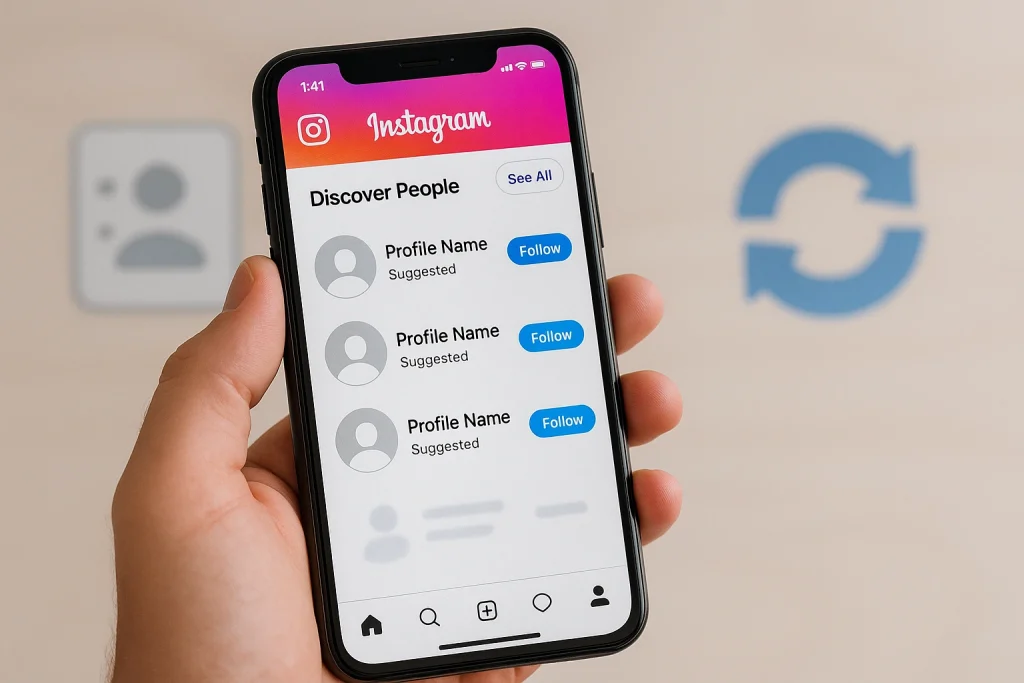

Most people try to type a phone number into Instagram’s search bar and… nothing. That’s normal. Instagram doesn’t let you search by number directly. The good news? There’s a legit workaround built into the app that does the heavy lifting for you. It’s quick, safe, and actually works if the number’s linked to the account. Let’s do this — and avoid those sketchy “lookup” tools along the way.
Table of Contents hideHighlights
The Only Legit Method: Instagram doesn’t allow direct phone-number searches — the only real way is through contact syncing within the app.
User-Safe Guidance: In this article, we walk readers through exact steps, troubleshooting, and privacy controls without promoting shady or unsafe tools.
Balanced Privacy & Utility: The article explains how to find others safely and how to protect your own discoverability, giving readers control both ways.
Can You Find Instagram Accounts Using a Phone Number? Quick Answer
Instagram doesn’t let you type a phone number into search and get a profile. That feature simply doesn’t exist. What does work—still in 2025—is syncing your phone’s contacts inside the Instagram app so it can match saved numbers to accounts and suggest them to you.
Here’s the logic. When you allow contact access, Instagram uploads hashes of your address book and uses them to recommend people you might know (if they’ve linked that number to their account and haven’t limited discoverability). It’s not a public lookup; it’s a private recommendation layer that sits in places like Follow contacts or Discover People. That’s why random numbers won’t appear in the search bar, but familiar faces can pop up in suggestions after syncing.
A few guardrails to set expectations:
-
If the person hasn’t added their number to Instagram, you won’t see them via contacts.
-
If they’ve disabled contact discovery or you haven’t granted the app permission to read contacts, suggestions won’t refresh.
-
On desktop/web, there’s no contact sync—use the mobile app for the match, then continue browsing on your laptop if you want.
How to Find Instagram Accounts Using Phone Number: Step-by-Step (iPhone & Android)
The only reliable way is to sync your phone contacts with Instagram. If the number is linked to an account (and discoverability isn’t restricted), that profile will show up in your suggestions.
Quick preparation:
-
Save the number in your phone with the correct country code.
-
Make sure the Instagram app can access Contacts on your device (details below).
Inside Instagram (same flow on iPhone & Android):
-
Open Instagram → go to your profile (bottom right).
-
Tap the menu (☰) → Settings and privacy.
-
Under How others can interact with you, tap Follow and invite friends → Follow contacts.
-
Tap Allow access when prompted, then wait a moment for suggested accounts to populate. If you see See all in Discover People, tap it to expand.
Granting device permissions (if you didn’t get the prompt):
-
iPhone: Settings → Privacy & Security → Contacts → Instagram → allow access. (You can also manage app permissions directly from the app’s settings card.)
-
Android: Settings → Security & privacy → Privacy → Permission manager → Contacts → Instagram → Allow. (You can also open Settings → Apps → Instagram → Permissions.)
How this works (and a privacy note). Instagram periodically syncs your contacts (it stores them on its servers so it can keep making suggestions). You can turn off syncing or delete synced contacts later if you change your mind.
Pro tip: If suggestions don’t refresh right away, back out and reopen Discover People, or toggle contact sync off and on again. I’ll cover full troubleshooting next.
Instagram Phone Number Search Not Working? Quick Fixes That Actually Help
If no profile appears after syncing, it’s usually one of four things: the number isn’t linked to any Instagram account, contact syncing/permissions aren’t enabled, suggestions haven’t refreshed yet, or you’re trying from desktop (which can’t sync).
Now the quick, practical checklist:
-
Confirm the number is saved correctly (with country code). Instagram can only match what you upload; malformed entries don’t match well. Re-save the contact with +country code, then retry.
-
Re-enable contact sync inside Instagram. Go to your profile → menu → Settings & privacy → Follow and invite friends → Follow contacts, and allow access. This is the only supported path to surface matches from your address book.
-
Check device permissions. If you previously denied access, Instagram can’t read your contacts. Re-allow Contacts permission in your phone settings, then return to Follow contacts/Discover People and refresh.
-
Give it a minute and refresh suggestions. Instagram periodically syncs and stores contacts, so new matches aren’t always instant. Back out, reopen Discover People, or toggle syncing off/on to force a fresh pull.
-
Try mobile, not web. The desktop site lets you manage synced contacts (including deleting them), but it doesn’t initiate contact syncing; do the match on your phone first.
-
Still nothing? It may be a true negative. If the person hasn’t added that phone number to Instagram—or they’ve turned off contact discovery—you won’t see them via this method. That’s expected behavior.
Can You Find Instagram by Phone Number on Desktop? What You Can (and Can’t) Do
Instagram’s web/desktop version doesn’t let you sync phone contacts or “search by phone number.” That matching happens on the mobile app only. You can manage or delete previously uploaded contacts from a computer, but you can’t initiate the contact upload on web.
Here’s the practical flow that saves time. Do the actual sync on your phone (Contacts → Allow access → suggestions populate in Discover People). Once Instagram has done the private match, you’re free to switch to your laptop to browse, search by name/username, and follow.
What the web can help with:
-
Delete/Manage synced contacts: Instagram says your contact list is periodically synced and stored, and you can delete synced contacts from a computer. Handy if you tested the feature and want to clean things up later.
-
Search like normal: Names, usernames, and suggested accounts still work in the browser. You just won’t get fresh phone-contact matches unless you’ve already synced on mobile. (Many third-party guides also note Discover People isn’t available on the website.)
Safe Alternatives to Find Someone on Instagram Without a Phone Number
If contact syncing doesn’t surface the account, your best legit options are: search by name/username, check mutuals, use or scan Instagram QR codes, and (optionally) leverage Facebook connections via Accounts Center. Avoid “phone-lookup” sites and scraping tools—they’re unreliable and can violate Instagram’s Terms. (Source: Instagram help center)
1) Name/username search, done smarter. Try the person’s full name, nicknames, and likely handles (first+last, initials+birth year). Add a clue (city, employer) in the query box. Instagram’s Search & Explore still drives the most wins when the handle is even slightly guessable.
2) Mutuals and networks. Open a close friend’s profile, tap Followers or Following, and browse. It’s old-school, but social graphs reveal people fast—especially if they follow the same local spots, schools, or workplaces. (Plenty of reputable guides still recommend this because it works.)
3) QR codes (two quick uses).
-
Ask them to share their profile QR from Profile → Share profile → QR code, then scan it in-app.
-
Or scan a printed/onscreen QR to jump straight to their profile. Fast, typo-proof, and built into Instagram—no third-party needed.
4) Facebook connections via Accounts Center. If you’ve linked Facebook and Instagram in Accounts Center, Instagram can suggest Facebook friends who are on IG. It’s not a phone-number search, but it’s a legit “people you may know” signal that often fills the gap.
And dont ever use Apps that promise “find anyone by phone number” often rely on scraping or unauthorized data access. Instagram’s Terms prohibit collecting information in automated ways without permission; accounts get restricted for scraping. That’s a fast way to risk your data—and your account.
How to Stop People Finding Your Instagram via Phone Number (Privacy First)
The simplest way to reduce phone-number discovery on Instagram is to avoid syncing your contacts, delete any contacts you’ve already uploaded, and consider removing your phone number from your account (with a clear eye on security trade-offs). Making your account private also limits what people can see even if they find you.
1) Turn off contact syncing (your side).
On mobile, open Instagram → profile → menu → Settings and privacy → look for Follow contacts/Contacts syncing and switch it off. This stops ongoing uploads of your address book. Instagram’s docs note that contacts are periodically synced and stored, so disabling the feature halts new syncing.
2) Delete Synced Contacts on Web
Go to Instagram.com on a computer → profile photo → Edit profile → Manage contacts (or similar) → Delete all. This wipes contacts you’ve already uploaded to Instagram’s servers.
3) Switch from SMS 2FA to an Authenticator App
You can remove a saved mobile number (or opt out of “saved number for faster logins”), but weigh the downside: you’ll lose SMS-based two-factor authentication and some recovery options. If you rely on SMS 2FA, switch to an authenticator app first, then remove the number if you still want to.
4) Set your account to Private.
Private accounts restrict who can follow you and who sees your posts and followers list. It won’t stop someone who already knows your handle, but it does limit the exposure of your profile details and content.
Speaking of privacy, many users also wonder does Instagram notify when you unsend a message —a good reminder that even small actions on Instagram can reveal more than you think.
FAQs:
Can I type a phone number into Instagram search and get a profile?
No. Instagram doesn’t support direct phone-number search.
Does Instagram notify the other person when I upload/sync contacts?
There’s no feature that alerts them. Instagram says contacts are periodically synced and stored, and you can delete them later—no mention of notifications.
Can I do this on a computer?
You can manage/delete previously synced contacts on web, but you can’t start a phone-contacts sync there—use the mobile app for the match.
Will linking Facebook help find someone?
It can. With Accounts Center, Facebook connections can inform people suggestions across Meta apps (not a phone-number lookup, but a legit discovery signal).
Is there any trustworthy third-party tool that converts a phone number to an Instagram username?
No reliable, sanctioned tool. OSINT threads consistently say there’s no direct lookup, and Instagram flags unauthorized scraping/automation as a Terms violation.
Is scraping public Instagram pages legal? I see tools bragging about it.
Meta/Instagram say unauthorized automated collection violates their Terms and may trigger enforcement. There’s active legal debate around scraping public data while logged out, but using scrapers still risks blocks and account actions—don’t use them for lookups.

Alex Morris
Alex Morris is a social media strategist and lead writer at InstaDeal. He specializes in Instagram, TikTok, and creator monetization trends, helping influencers and brands grow smarter online. With over 10 years of digital marketing experience, he simplifies complex topics into practical insights.


