How to Share Facebook Posts to Instagram (2026 Step-by-Step Guide)

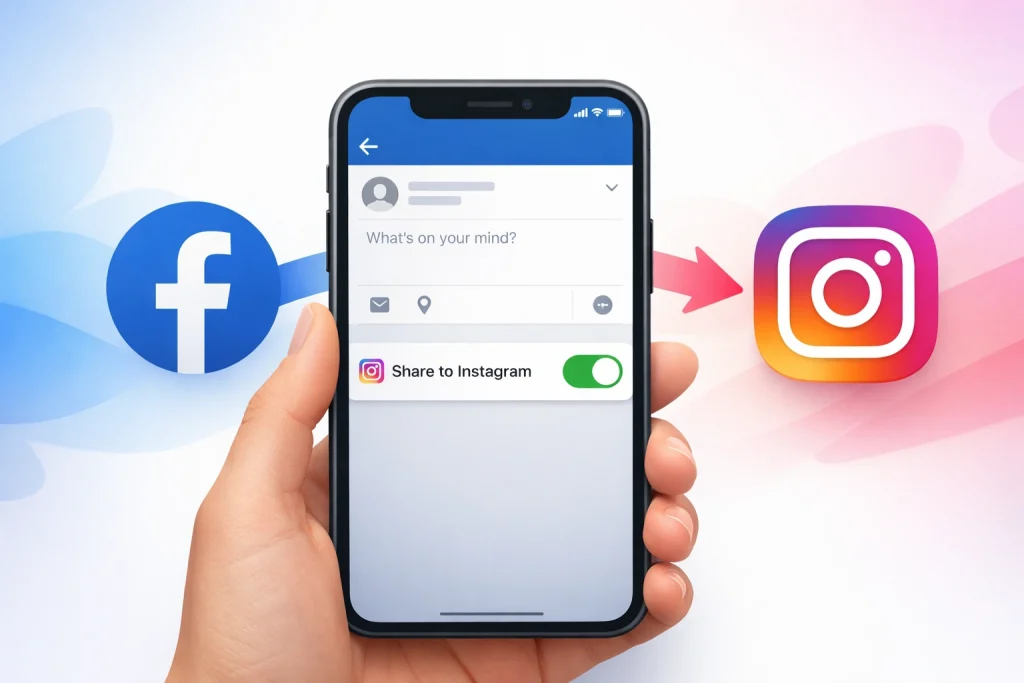
Facebook to Instagram cross-posting allows you to automatically share eligible Facebook posts—such as photos, videos, and reels—to Instagram through Meta’s Accounts Center. Many users assume their posts will automatically sync, only to find out they’ve missed a crucial setting or step.
How we verified this: We referenced publicly available documentation and reputable guides to explain what Instagram currently shows (and doesn’t show). Features can vary by app version and region, so if your menus look different, update the app and check Instagram’s settings/help pages.
This guide will show you exactly how to share Facebook posts to Instagram, whether you’re using a personal profile or a business page. You’ll learn the correct settings, limitations, and how to avoid common mistakes that prevent cross-posting.
Quick Summary
– Explain how to link your Facebook and Instagram accounts correctly
– Show where to enable cross-posting in Facebook settings
– Debunk myths about sharing personal posts vs. business posts
– Clarify which types of Facebook content can be shared to Instagram
– Protect your post quality by using proper image and caption formats