

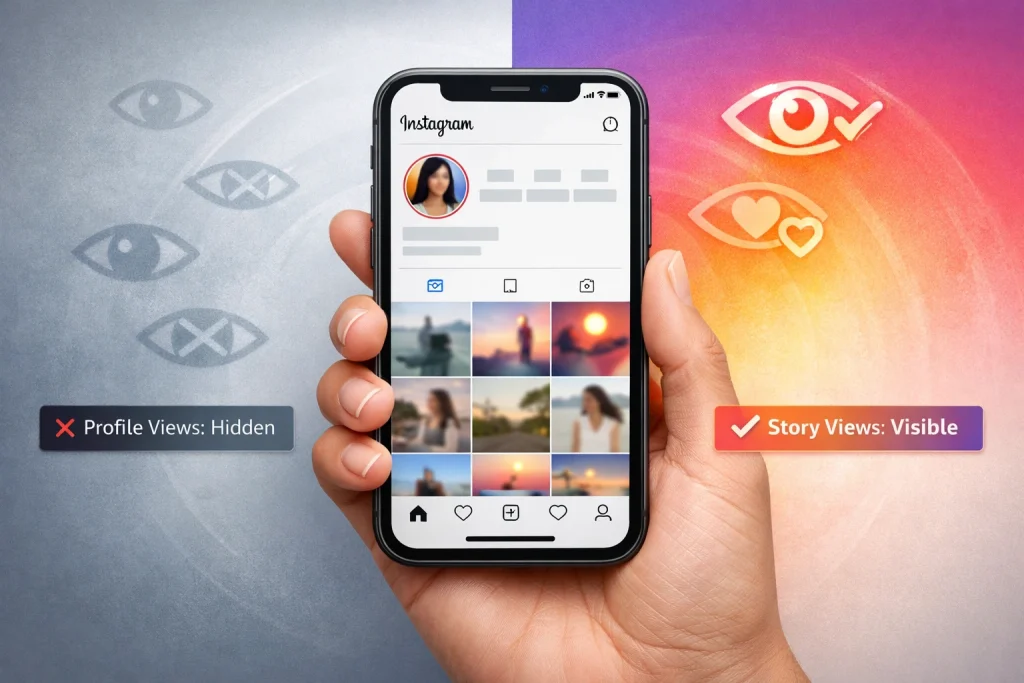

Can people see who viewed their Instagram profile? It’s a question that sparks anxiety for many users who casually browse others’ profiles but don’t want to be caught doing so. Whether you’re checking out an ex, a competitor, or just curious about someone’s feed, the fear of being exposed is real.
This article clears up the confusion around Instagram’s privacy settings and what is actually visible to others. You’ll learn exactly what Instagram does and doesn’t reveal about profile views—and what tools or myths to avoid.
Quick Summary
-
Instagram does not let users see who viewed their profile, and it does not send notifications for profile visits
-
Only specific interactions—such as Story views, Live viewers, likes, comments, and follows—are visible to others
-
Creator and Business accounts can see profile visit counts, but never the identities of individual visitors
-
Third-party apps claiming to reveal profile viewers are unreliable and often pose security risks
-
Instagram’s built-in privacy settings allow users to browse profiles discreetly and control who can view their content
Can People See Who Viewed Their Instagram Profile on Instagram? (Short Answer)
No. Instagram does not let users see who viewed their profile. Only interactions like story views, likes, comments, and follows are visible.
What Instagram Shows vs What It Doesn’t About Profile Viewing
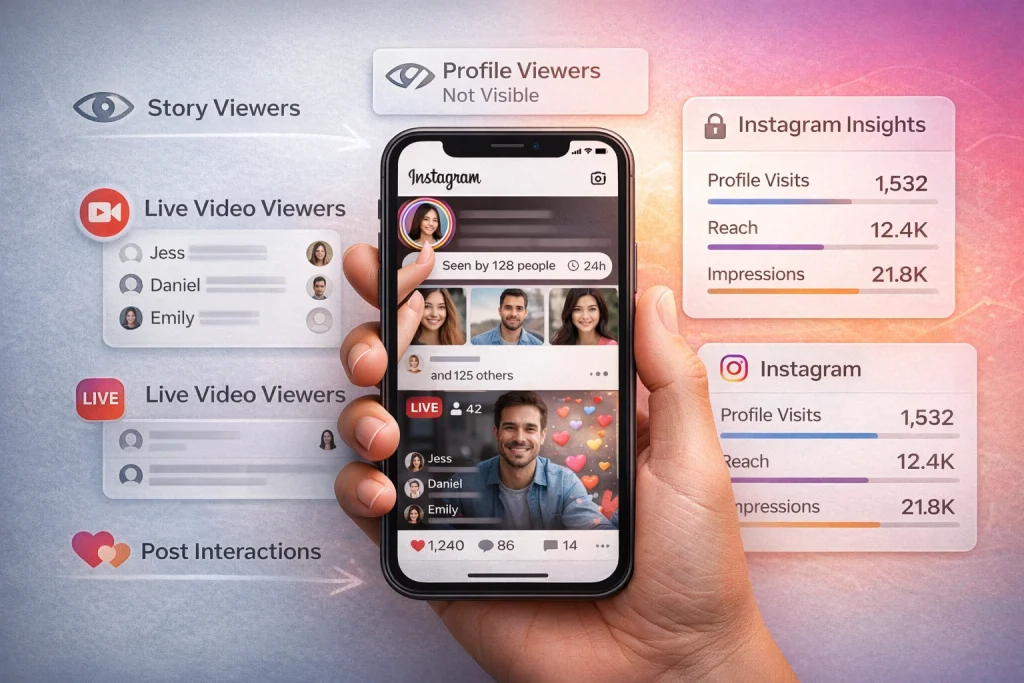
Instagram provides a range of insights into how others interact with your content, but it doesn’t allow users to see who viewed their profile directly. Instead, it focuses on specific features like Stories, Live videos, and post interactions.
What data does Instagram provide?
Instagram allows you to see who viewed your Stories by swiping up while viewing your own Story. This shows a list of usernames, giving you a clear picture of your audience. Similarly, during a Live video, you can tap the viewer count or icon to see who is actively watching in real-time. For posts, Instagram displays metrics like likes, comments, and shares, but individual viewers are not identifiable.
How to check who viewed your Stories
To see who has viewed your Stories, open your Story and swipe up. You’ll find a list of usernames along with the total number of viewers. This list is only available while the Story is active and for a short time afterward—typically 24 hours, and in some cases up to 48 hours for archived Stories. After that window passes, individual viewer names disappear and can no longer be accessed.
For Live videos, the process is similar. While broadcasting, you can tap the viewer count to see who is watching in real time. Once the Live ends, Instagram does not provide a permanent list of viewers.
Profile Visits vs Profile Viewers on Instagram: What’s the Difference?
A common misconception is that Instagram lets you see who viewed your profile, but this isn’t the case. Instead, Instagram limits visibility to specific interactions like Story views, Live viewers, likes, and comments. Even for professional accounts, profile visits ≠ profile viewers—you can see how many times your profile was visited, but not who visited it. This confusion often overlaps with how Instagram notifications work, especially when users worry that everyday actions might alert someone unexpectedly.
Instagram prioritizes user privacy, meaning it does not disclose names or usernames of profile viewers. While Insights may show aggregated data such as age ranges, locations, or active times, all information remains anonymized. Part of this misunderstanding comes from viewer labels on other platforms, which operate very differently from Instagram’s privacy model
Can Creator or Business Accounts See Who Viewed Their Instagram Profile?
Switching to a Creator or Business account unlocks Instagram Insights, which provides aggregated performance data such as profile visits, reach, and impressions. These metrics help you understand content performance and audience behavior, but they do not identify individual viewers.
How to switch to a Creator or Business account
Go to your Instagram settings, select Account, then choose Switch to Creator Account or Switch to Business Account. Both options are free. Creator accounts are designed for influencers and public figures, while Business accounts are better suited for brands. Once switched, the Insights tab will appear on your profile, giving you access to performance metrics—without compromising viewer privacy.
What insights are available?
Instagram Insights provides a snapshot of your audience engagement. Key metrics include:
– Profile Visits: The total number of times users have visited your profile.
– Reach: The unique number of accounts that have seen your posts.
– Impressions: The total number of times your content has been displayed.
These metrics help you understand how effectively your content attracts and engages viewers. For instance, a sudden spike in profile visits might indicate that a recent post resonated with your audience. However, it’s important to note that these numbers are aggregated and anonymized, meaning you won’t see who specifically viewed your profile.
| Activity or Data | Does Instagram Show It? | What You Can See |
|---|---|---|
| Profile viewers | ❌ No | Instagram does not reveal who viewed your profile |
| Profile visits (Creator/Business) | ✅ Yes | Total number of profile visits (no names) |
| Story viewers | ✅ Yes (temporarily) | Usernames, visible for 24–48 hours |
| Live video viewers | ✅ Yes (real-time only) | Usernames during the live broadcast |
| Post likes | ✅ Yes | Full list of users who liked the post |
| Post comments | ✅ Yes | Usernames and comment content |
| Reel views | ⚠️ Partial | View count only, not individual viewers |
| Reach & impressions | ✅ Yes | Aggregated numbers, no identities |
| Story replies | ✅ Yes | Usernames of people who replied |
| Third-party profile viewers | ❌ No | Instagram does not share this data with apps |
Do Third-Party Apps Really Show Who Viewed Your Instagram Profile?
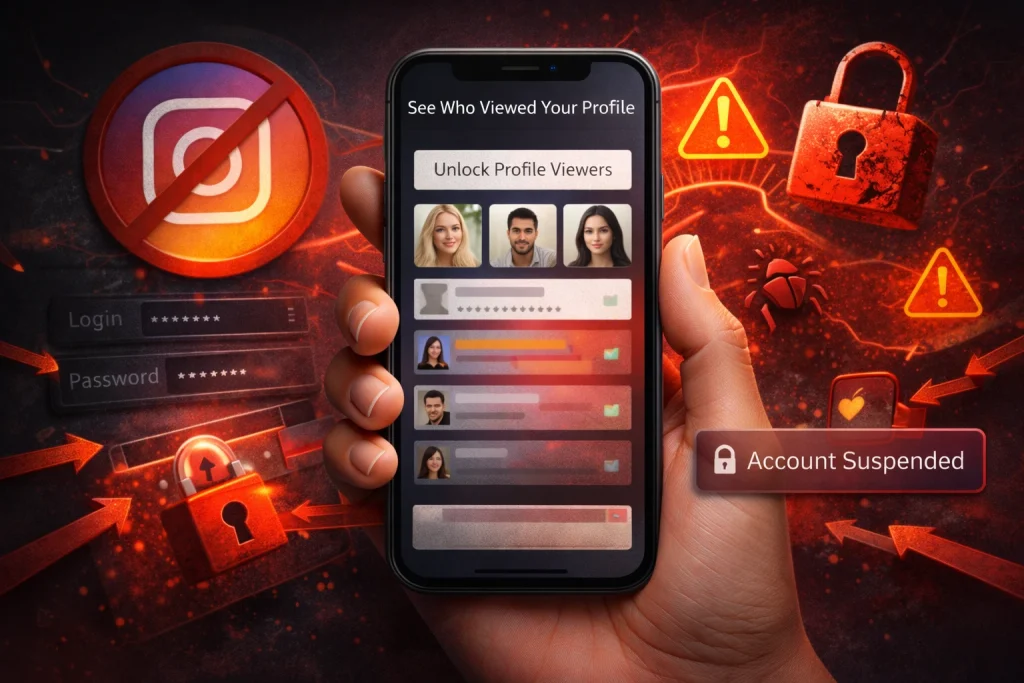
Third-party apps that claim to reveal who views your Instagram profile are not endorsed by Instagram and are generally unreliable. These apps often make misleading promises, exploiting user curiosity and violating Instagram’s policies.
Are Instagram Profile Viewer Apps Safe or Legit?
No. Instagram does not share profile viewer data with any third-party apps, making their claims baseless. These apps often fabricate results to appear functional, but they cannot access private viewer data. For example, some apps generate random usernames or lists, which are completely unrelated to actual profile interactions. Users commonly misunderstand this, assuming the apps have special access, when in reality, Instagram’s API does not allow such data sharing.
What are the risks of using these apps?
Using third-party apps poses significant risks to your account and personal data. These apps often require you to log in with your Instagram credentials, which can compromise your account security. Once access is granted, malicious apps may misuse your data, post spam, or even lock you out of your account. Additionally, using these apps violates Instagram’s Terms of Service, potentially leading to account suspension or bans.
How to Protect Your Privacy If You Don’t Want Others Viewing Your Profile
Switching to a private account on Instagram ensures that only followers you approve can see your posts and stories. To enable this, go to your profile, tap the menu, select Settings, navigate to Privacy, and toggle on Private Account. Beyond switching to a private account, you can also limit profile visibility by controlling what parts of your account others are allowed to see.
The Restrict feature offers a more subtle way to manage interactions. When you restrict someone, their comments on your posts will only be visible to them, and their messages will move to your message requests. This is particularly useful if you want to limit someone’s activity without the confrontation of blocking them. For example, you might restrict a coworker whose comments feel intrusive without cutting them off entirely.
Blocking, on the other hand, is a more decisive action. When you block a user, they lose all access to your profile, posts, and stories. To block someone, visit their profile, tap the three dots in the top right corner, and select Block. This is an effective way to prevent unwanted interactions, especially if someone is harassing you or violating your boundaries.
A common mistake is assuming that restricting or blocking someone notifies the user. In reality, these actions are discreet, so you can take control of your privacy without drawing attention. For added security, periodically review your follower list and remove anyone you no longer trust. Think of these tools as a digital lockbox, giving you full control over who has the key.
At InstaDeal, we publish practical guides around Instagram account services and insights to help users understand how the platform actually works. Our content is based on platform behavior, policy updates, and real-world user experience rather than speculation.
FAQ: If I visit someone’s profile, will they know?
If I search someone’s name or look them up, will they know?
No. Instagram doesn’t notify users when you search for them or open their profile.
Can someone see if I watched their Live?
Yes, but mainly in real time during the Live. After it ends, you don’t get a reliable permanent ‘viewer list’ like Stories.
I looked at their profile and now they’re showing up in my suggestions — did Instagram ‘out’ me?
No direct ‘outing’ feature exists. Suggestions can change for many reasons (mutuals, contacts, engagement patterns), but it’s not a notification that you viewed them. (This confusion shows up constantly.)
Final Answer: Can People See Who Viewed Their Instagram Profile?
Instagram does not allow users to see who has viewed their profile, prioritizing privacy above all. While the platform offers aggregated insights for professional accounts, these metrics do not include individual viewer names—only totals like profile visits and reach. This design ensures that personal browsing habits remain private.
Questions about profile views often tie back to broader concerns around account access and control. Platforms like InstaDeal, which operates as a marketplace for buying and selling Instagram accounts, intersect with these issues by emphasizing the importance of clear ownership, secure access, and proper account management. When control of an account changes hands, understanding what data is visible, what remains private, and how Instagram enforces its policies becomes especially relevant. This context reinforces why privacy limitations and platform safeguards exist in the first place.

Benjamin Amiri
Benjamin Amiri is a digital growth consultant and senior contributor at InstaDeal. He specializes in Instagram engagement strategies, Facebook ads innovation, and TikTok product marketing. With a track record of scaling brands and creator accounts, Benjamin turns performance data into actionable growth tactics that deliver measurable results.


